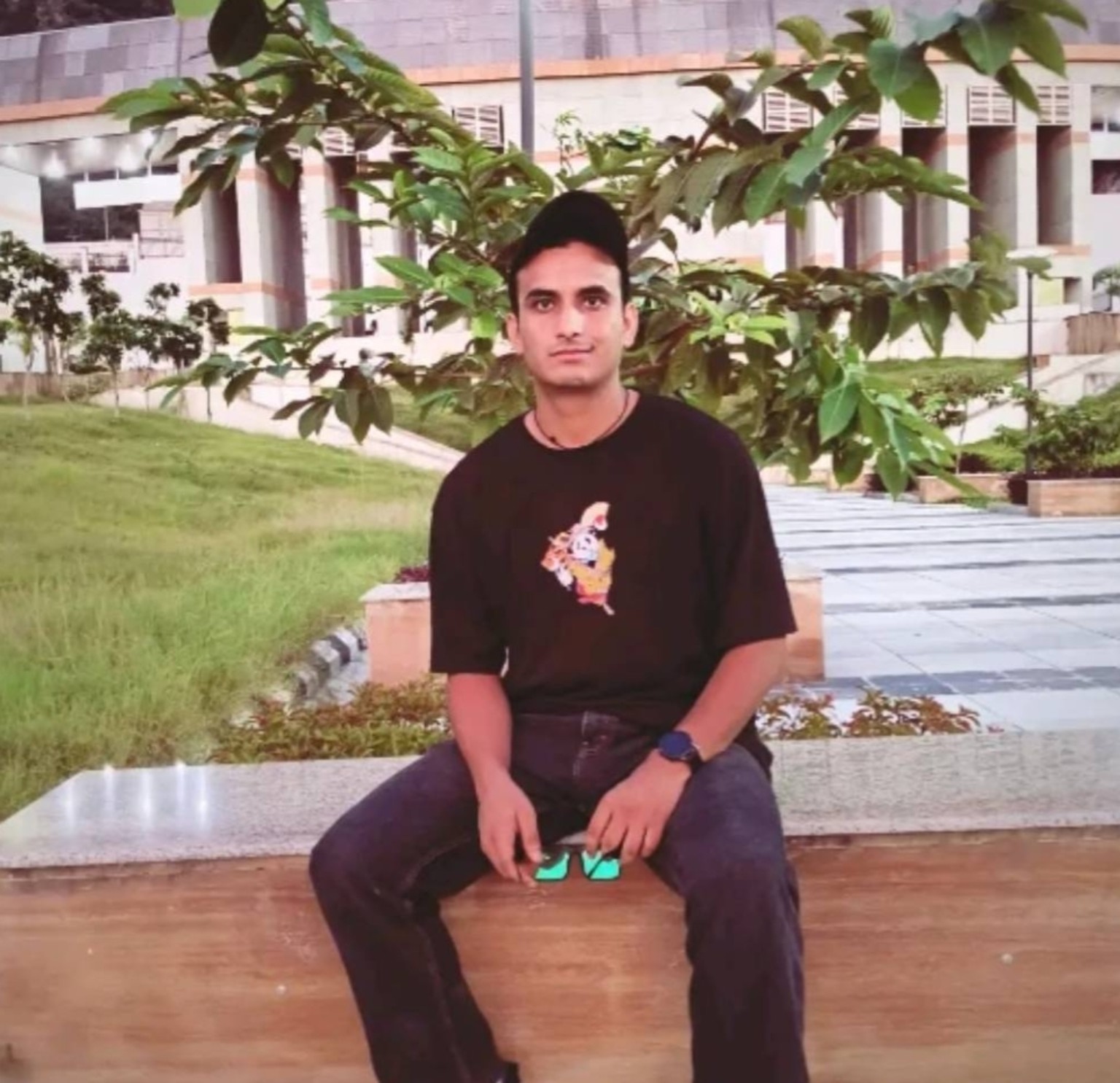
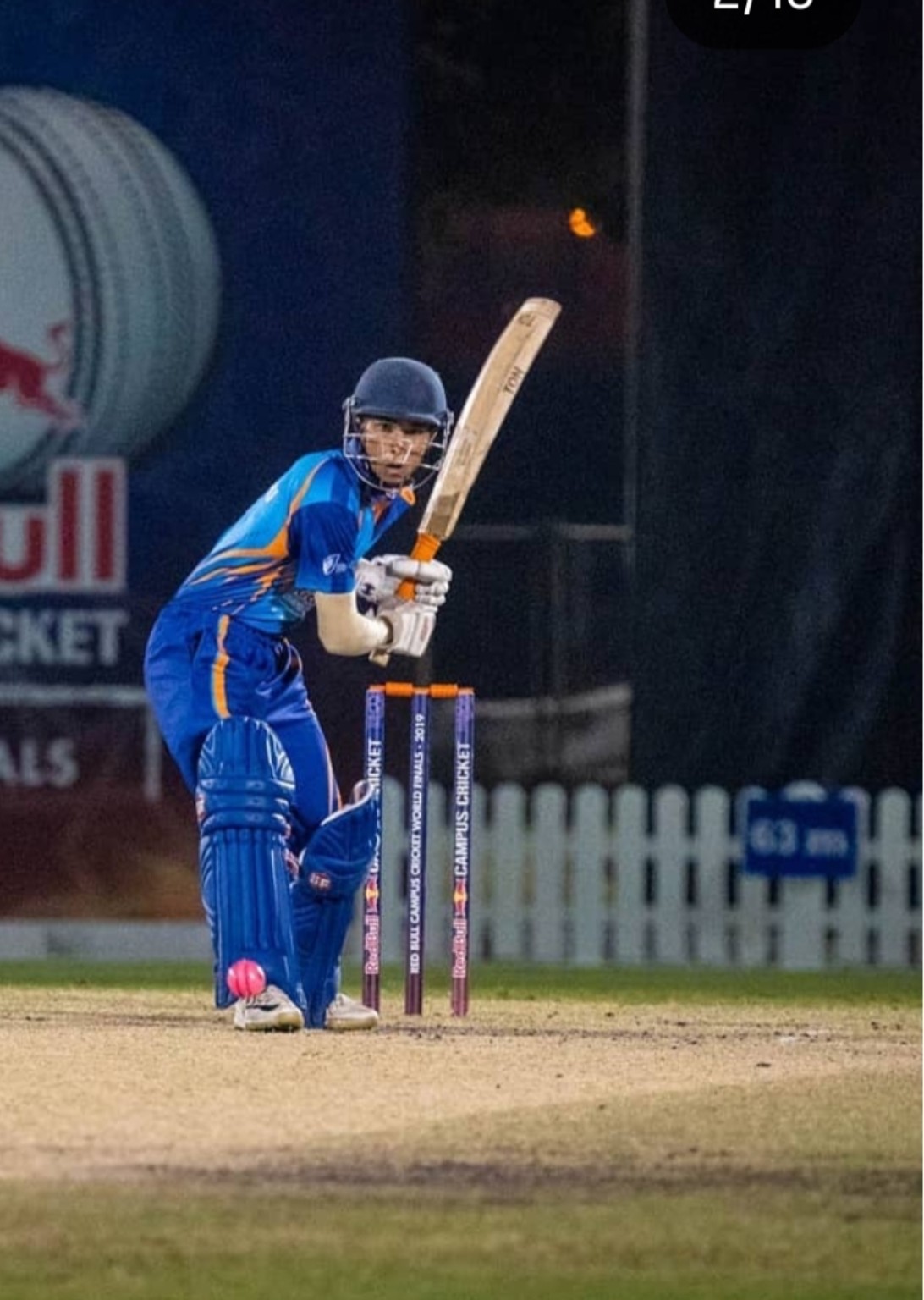
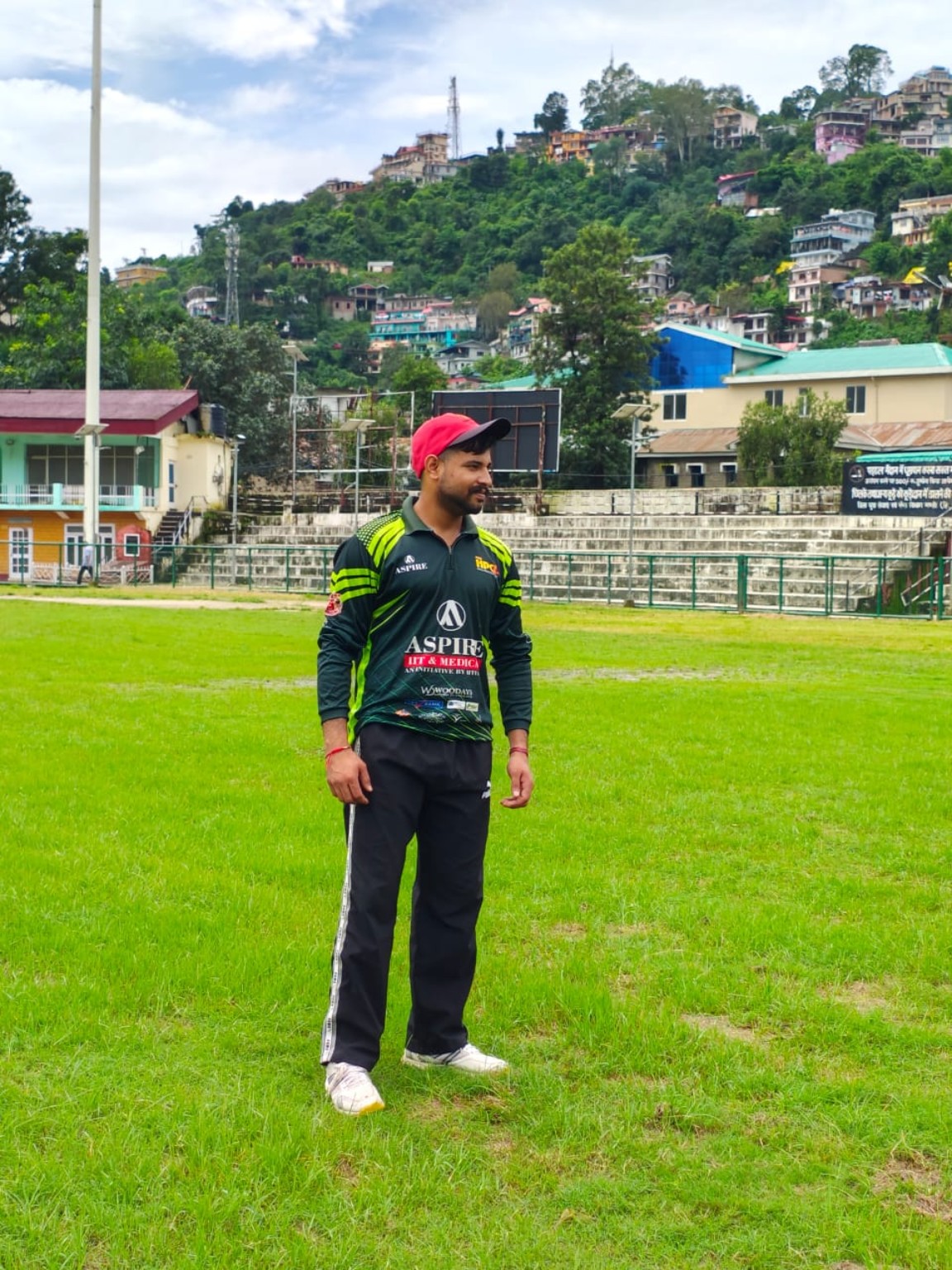
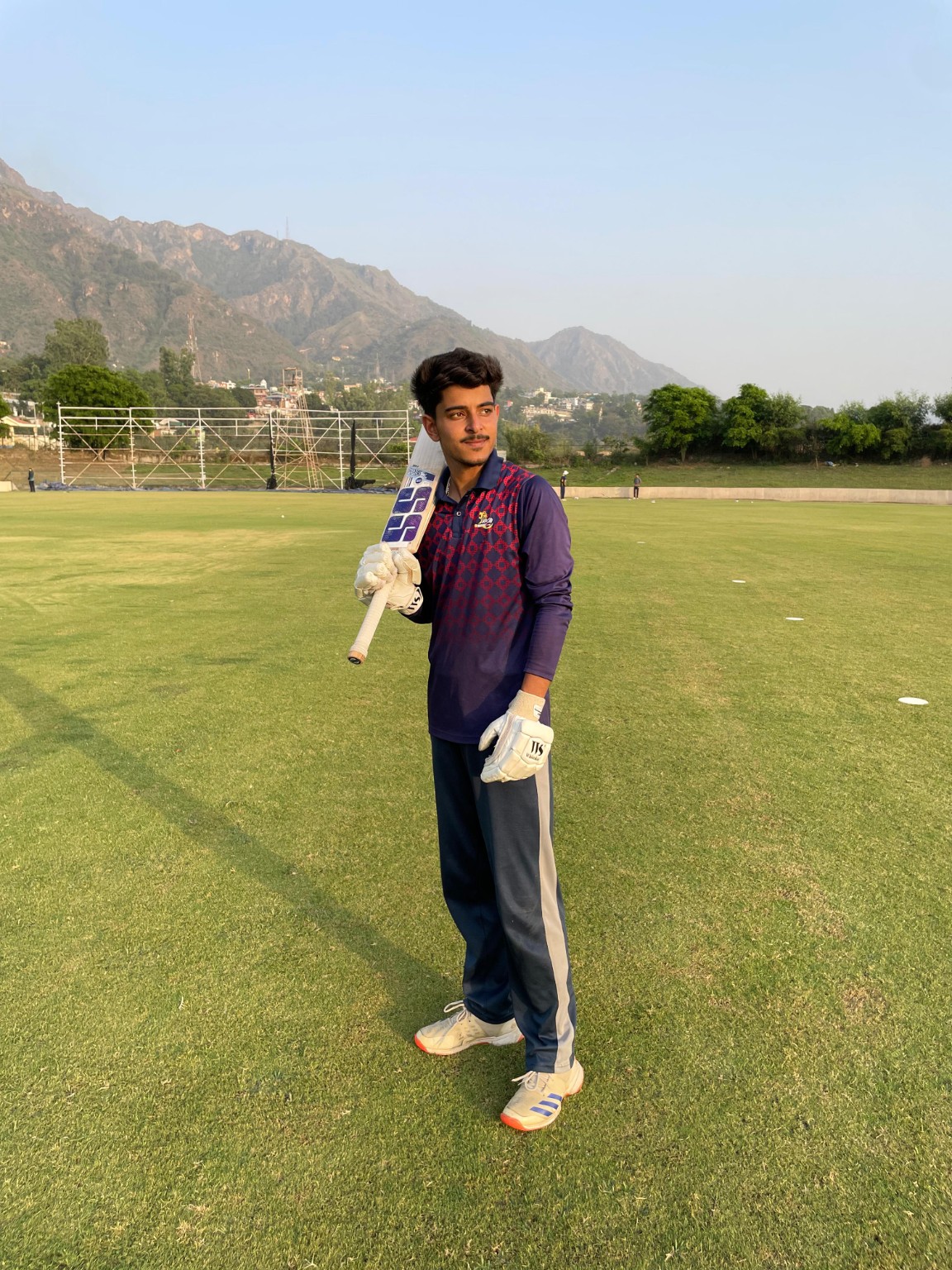
Champions, standout performers and memories from previous CPL seasons.
Previous-season records will appear here.
CPL MEMORIES
CPL Memories
Previous Season Award Winners
Season 1
Best Batsman
Jawahar
135 Runs
Best Bowler
Himanshu Thakur
13 Wickets
MVP
Sunil Rathore
Season 1 MVP
Season 2
Best Batsman
Abhishek Kangra
195 Runs
Best Bowler
Vicky Rana
14 Wickets
MVP
Sourav Sen
Season 2 MVP
❓ CPL HELP CENTRE
Frequently Asked Questions
Everything players and teams need to know about CPL 2026 registration, eligibility, auction, facilities and tournament rules.
SEASON 3 • 2026
📝 Player Registration
Who can register for CPL 2026?
Only eligible Himachali players can register for CPL 2026.
What is the player registration fee?
Registration is completely FREE. A ₹500 registration fee applies only if a player is successfully sold in the auction, and it will be deducted from the player’s final auction amount.
Do unsold players have to pay any registration fee?
No. Unsold players pay ₹0. The ₹500 fee is charged only to players who are sold in the auction and is deducted from their auction amount.
Does registration guarantee selection in a team?
No. Registration makes a player eligible for the CPL auction. Selection depends on bidding and team requirements.
How many players will be selected in each team?
Each franchise can have a maximum squad of 15 players.
Can I register more than once?
No. Every player should submit only one registration.
What happens after I register?
After the registration is verified, eligible players can be included in the CPL 2026 auction pool.
🏏 Player Eligibility & Professional Rules
Can players from outside Himachal Pradesh participate?
No. CPL 2026 is for Himachali players only.
Who is considered a professional player?
A player who has represented U23 district, state level or above is considered a professional player, subject to CPL's exemption rules.
Does being only part of a squad count as professional?
No. Simply being named in a squad does not make the player a professional player under CPL rules.
Are U19 players counted as professional players?
No. U19 players are not counted as professional players for the CPL professional-player limit.
What about qualifying cricket played before 1 January 2021?
Players whose qualifying participation was before 1 January 2021 are not counted as professional players under the CPL rule.
How many professional players can a team have?
A maximum of 4 professional players are allowed in a team's squad.
What happens if a team has more than 4 professionals?
If a team violates the professional-player limit, match points may be awarded to the opponent team according to CPL rules.
🔨 CPL Player Auction
When will the CPL 2026 auction take place?
The CPL 2026 player auction is scheduled for 18 October 2026.
What is the player's base bid?
The base bid is ₹1,000.
What is the maximum bid for one player?
A franchise can bid up to ₹6,000 for a player.
What is the auction purse for each team?
Each franchise receives an auction purse of ₹50,000.
Does entering the auction guarantee that a player will be sold?
No. Selection depends on bidding by the participating franchises.
What happens if a player remains unsold?
Any further opportunity for unsold players will depend on CPL management's tournament and squad requirements.
When will a sold player receive their auction amount?
The player’s auction amount, after deduction of the ₹500 registration fee, will be paid within 7 days after the CPL 2026 Final.
🏆 Tournament Information
How many teams will participate in CPL 2026?
CPL 2026 will feature 8 franchise teams.
Where will CPL 2026 be played?
The tournament will be played at CSKHPKV Ground, Palampur, Himachal Pradesh.
When will CPL 2026 start?
CPL 2026 is scheduled to begin on 15 November 2026.
Where can I see fixtures and results?
Fixtures, match results, points tables and tournament updates will be available on the official CPL website.
Will player statistics be available online?
Yes. Player records and tournament statistics will be maintained on the CPL website.
👕 Player Facilities
Will players receive a jersey?
Yes. A jersey will be provided to each player.
Will food be provided to players?
Yes. Lunch will be provided to each player.
Will DRS be available?
DRS is being considered for CPL 2026, but its availability is not yet 100% confirmed.
Will first aid be available at the ground?
Yes. A first-aid kit will be available at the venue.
💰 Awards, Records & CPL Legacy
What is the prize for the CPL 2026 champions?
The winning team will receive ₹3,00,000.
What is the runner-up prize?
The runner-up team will receive ₹2,00,000.
Are there individual player awards?
Yes. Player of Tournament ₹21,000 • Best Batsman ₹11,000 • Best Bowler ₹11,000 • Man of the Match ₹1,000 per match.
Can I see records from previous CPL seasons?
Yes. The CPL Legacy and Hall of Fame sections contain previous-season champions, award winners and records.
Can previous-season players view their historical statistics?
Yes. Historical player records are maintained in the CPL player database and can be opened through a player's permanent CPL profile.
Will Season 3 statistics be added to a player's previous CPL record?
Yes, where a Season 3 registration is correctly linked with an existing historical player profile, the player's CPL record can continue under the same permanent player identity.
NEED MORE HELP?
Still have a question?
Contact the CPL organising team for tournament or registration assistance.
Latest CPL announcements, auction updates, match reports and tournament stories.
News and articles will appear here.
Sponsors & Partners
Proud partners supporting CPL Season 3.
Sponsors will appear here.
SEASON 3 PLAYER
EDIT PLAYER DETAILS
CPL Admin
Private organiser control centre for registrations, CPL IDs, photos, teams, squads, fixtures, statistics, legacy, news and backups.
Connect Supabase
Paste your Project URL and Publishable key. These are safe for client-side use; never paste a secret/service-role key here.
Admin Login
Authorised organisers only.
Dashboard
ADMIN CONTROL CENTRE
CPL Management
Jump directly to the task you need. Historical corrections, photos and duplicate-ID merging are grouped under CPL ID Tools.
01Player RegistrationsReview player details, approve/reject registrations and remove test registrations.
02CPL ID ToolsLink returning players, correct historical stats, photos and merge duplicate CPL IDs.
03Teams & SquadsEdit franchises and assign approved Season 3 players to squads.
04Fixtures & ResultsCreate matches, enter results and update the points table.
05Season 3 StatisticsUpdate player performance and leaderboard data.
06Legacy & Previous SeasonsManage previous-season records and historical team squads.
07News & SponsorsPublish CPL updates and manage sponsor information.
08Database BackupExport historical player and Season 3 registration data before major changes.
Quick Database Export
Downloads CSV files to your device. This does not change anything in Supabase.
—
Players
8
Teams
₹50,000
Purse / team
15 Nov
Tournament
Player Registrations
Registration is free. Review player details, then approve or reject the registration. The ₹500 fee applies only after a player is sold and is deducted from the auction amount.
Loading…
CPL PLAYER ID LINKING
Returning CPL Player?
Join a Season 3 registration with the player's existing historical CPL ID and previous-season stats.
Teams Management
Add or edit the 8 CPL franchises. Logo can be an image URL for now; later we can connect Supabase Storage for direct uploads.
PNG, JPG or WebP. Maximum 5 MB.
Loading teams…
Squad Management
Assign approved players to teams. Each team can have up to 15 players.
Current Squad
Select a team.
Available Approved Players
Loading…
Auction Management
Manage sold and unsold players, buying teams and sold prices. Team purse starts at ₹50,000 and sold players are automatically assigned to the selected squad.
Player Auction Status
Loading…
Team Purse
Loading…
Fixtures, Results & Points Table
Create fixtures, enter scores, publish results and automatically update the public points table.
Edit Season 1 and Season 2 records, statistics and winner/runner-up photos.
Loading previous seasons…
Previous Season Squad
Team
Search the existing CPL historical player database and link players to this team.
Linked Players
Select a team.
News & Articles Management
Create tournament announcements, auction updates, match reports and CPL stories.
PNG, JPG or WebP. Maximum 8 MB.
Loading news…
Sponsors & Partners Management
Add sponsor names, sponsorship levels and logos. Only active sponsors appear publicly.
PNG, JPG or WebP. Maximum 5 MB.
Loading sponsors…
Historical Players & CPL IDs
Permanent CPL IDs
Link Season 3 Registration to Historical Player
Select the current registration, search a Season 1/2 profile, then link it. The newly uploaded Season 3 photo remains the official profile photo.
Historical Data Editor
Edit Historical Player Data
Search by player name or CPL ID, edit Season 1 / Season 2 batting, bowling and fielding stats, and save. Career totals are recalculated automatically.
Player Photos
Link Photo to Historical Player
Choose a photo, search the player by name or CPL ID, then press SAVE PHOTO. The photo will be stored against that permanent CPL player profile and shown in the public database.
Duplicate ID Manager
Merge Duplicate CPL IDs
Use this only when two IDs belong to the same person. The ID in Keep CPL ID remains permanent. Season links and Season 3 registration links move to that ID, historical totals are consolidated, and the duplicate ID is removed.
Enter both CPL IDs and press Preview.
CPL ID STATUS CHECK
Check Your Registration Status
Enter your CPL ID. New players who do not know their ID yet can enter the registered mobile number.
CPL Player Services
Use your permanent CPL ID for quick player services.